Common questions about ZAST Platform
Frequently Asked Questions
Everything you need to know about our vulnerability engine, pricing, and enterprise security features.
Sign in to ZAST.AI SaaS, open Assessments, and create an assessment. The current SaaS flow is Deployment Artifact, Connectivity Check, Ownership Verification, Source Code, Test Account, and Review & Submit.
For the full current workflow, see SaaS User Manual.
ZAST.AI simulates the workflow of security experts with automated agents. It combines code and service context, professional security knowledge, LLM reasoning, path analysis, crawling, and PoC generation to identify and verify vulnerabilities.
ZAST.AI prioritizes exploitability. Vulnerability reports include findings backed by PoC verification when the target environment, credentials, and reachable paths allow verification. AI-static findings may also appear when a candidate issue is semantically strong but cannot be fully exploited in the current environment.
A PoC, or proof of concept, is evidence that demonstrates how a vulnerability can be triggered or exploited in a controlled target environment. It helps teams understand the affected API, exploit path, impact, and remediation.
Common causes include unreachable public networking, internal-only DNS, firewall or WAF blocking, invalid TLS configuration, unsupported redirects, or an API path that does not respond from the SaaS environment.
Check the SaaS connectivity result to see whether DNS, port, or HTTP/HTTPS failed, then retry after updating network access.
Ownership verification prevents unauthorized assessments of domains that the user does not control. SaaS asks you to publish a short verification file under the target domain and checks that it is publicly reachable.
For setup examples, see Ownership Verification.
No. Source code upload is optional in SaaS. Uploading source code improves static analysis context, code-location accuracy, and remediation quality, but assessments can still be submitted when the optional source code step is skipped.
The deployment artifact is the build output or runnable package that represents the deployed service, such as a JAR, WAR, ZIP, or frontend build archive. Source code is the original development archive. It is optional and helps ZAST.AI map findings to source files, functions, and code paths.
Use dedicated accounts in a test environment. Add multiple roles when the application has role-based behavior, such as administrator, normal user, read-only user, tenant user, or service operator. Avoid real customer accounts, production data, and personal credentials.
Automated crawling and verification may create temporary records in the target service. Use an isolated or resettable test environment whenever possible. If a production-like environment is required, use disposable accounts and seed data created for assessment.
Form login and many token or cookie based sessions are supported through the remote browser. Complex SSO, custom identity flows, hardware MFA, or flows that block automated browsers may require coordination with the ZAST.AI team.
Fast Verification verifies existing vulnerability candidates instead of running the full assessment flow. It supports SARIF upload, code scan discovery, filtering, Verify all, Verify selected, SaaS auto deploy, manual target URLs, headers, verification history, and evidence review.
See Fast Verification.
Fast Verification accepts .sarif and .json SARIF 2.1.0 files, up to 10 files per upload action. Common sources include CodeQL, Semgrep, SonarQube, Snyk Code, and GitHub Advanced Security.
ZAST.AI uses CVSS-style severity categories to communicate risk. The exact score depends on exploitability, attack complexity, required privileges, user interaction, scope, and the confidentiality, integrity, and availability impact.
Severity should be combined with business context, exposed assets, data sensitivity, and exploit evidence.
Runtime depends on artifact size, application complexity, reachable API surface, authentication complexity, and target stability. Small services may complete quickly, while larger or heavily authenticated systems can take longer.
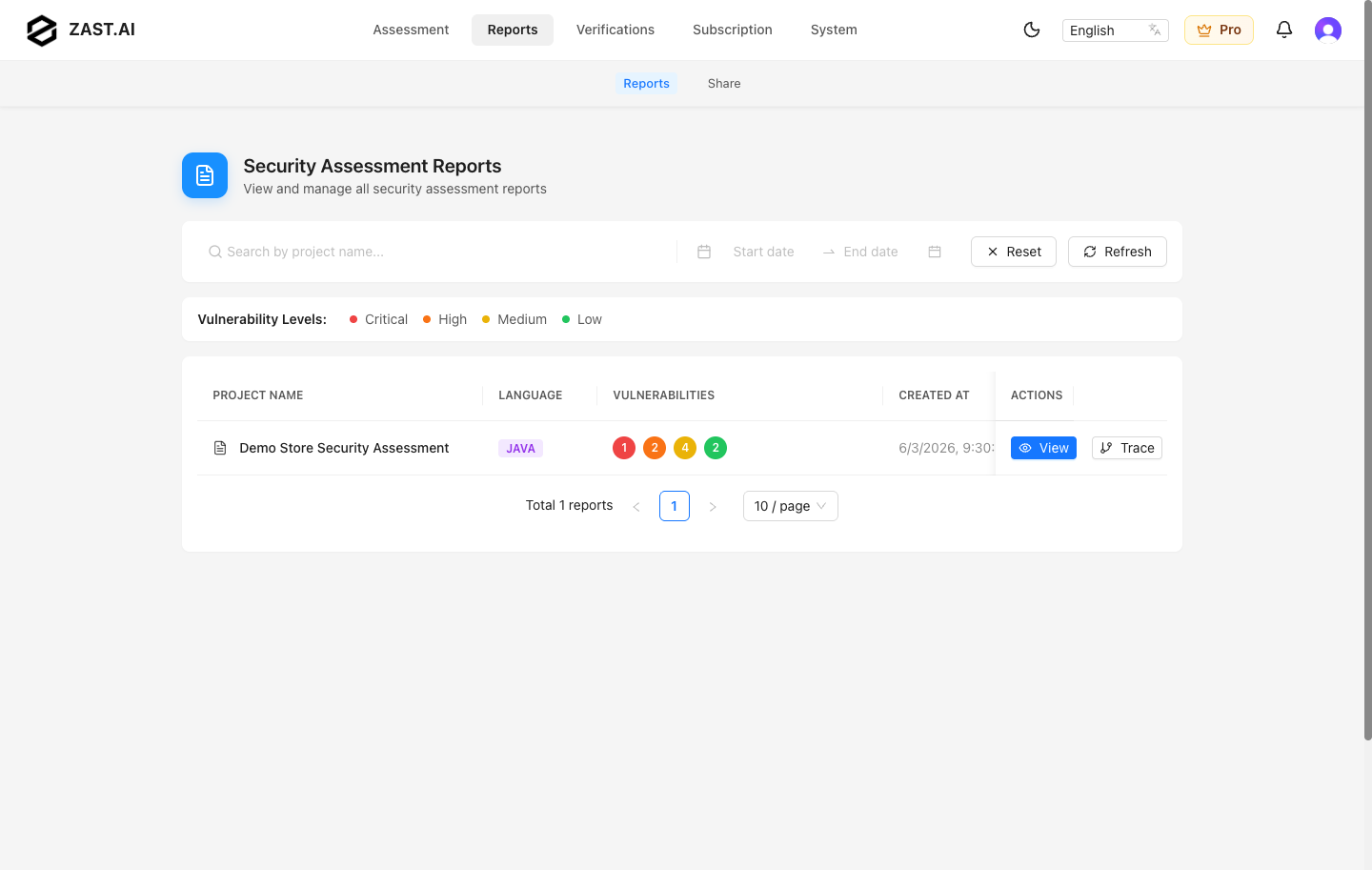
Open Reports, select a completed report, and use the export menu to download HTML or PDF output when export is available.
Use the SaaS billing and pricing entry points available in your account. Subscription status, credit limits, and purchase options depend on your plan. Stripe handles payment details; ZAST.AI does not store credit card information.
Assessment artifacts, source archives, test sessions, and generated reports are processed in controlled infrastructure for the assessment workflow. Avoid submitting unrelated secrets, production credentials, customer data, or private tokens. Delete reports or tasks when they are no longer needed.
Custom user-defined rules are not exposed in the current SaaS user flow. Fast Verification supports importing candidate findings from SARIF files generated by external tools.