Getting started
SaaS FAQ
Frequently asked questions for the ZAST.AI SaaS application.
SaaS FAQ
How Do I Start An Assessment?
Sign in to ZAST.AI SaaS, open Assessments, and create an assessment. The current SaaS flow is:
- Deployment Artifact
- Connectivity Check
- Ownership Verification
- Source Code
- Test Account
- Review & Submit
The older /document help route is no longer used. Use SaaS User Manual for the current flow.
What Does ZAST.AI Verify Before Reporting A Vulnerability?
ZAST.AI prioritizes exploitability. Findings in vulnerability reports are backed by PoC verification when the target environment, credentials, and reachable paths allow verification. AI-static findings may also appear when a candidate issue is semantically strong but cannot be fully exploited in the current environment.
What Is A PoC?
A PoC, or proof of concept, is evidence that demonstrates how a vulnerability can be triggered or exploited in a controlled target environment. In ZAST.AI reports, PoC evidence helps teams understand the affected API, the exploit path, the impact, and the recommended remediation.
Why Did Connectivity Check Fail?
Common causes include:
- The target service is not reachable from the public internet.
- DNS resolves internally only.
- Firewall, WAF, EDR, bot protection, or allow-list rules block ZAST.AI workers.
- The API path does not respond without additional unsupported network setup.
- TLS or redirect configuration prevents the check from reaching the service.
Use the failed connectivity result to identify whether DNS, port, or HTTP/HTTPS checks failed.
Why Does SaaS Require Ownership Verification?
Ownership verification prevents unauthorized assessments of domains that the user does not control. SaaS asks you to place a short verification file under the target domain and checks that it is publicly reachable.
See Ownership Verification for deployment examples.
Is Source Code Upload Required?
No. SaaS treats source code as optional in the assessment flow. Uploading source code improves static analysis context, code-location accuracy, and remediation quality, but assessments can still be submitted when the optional source code step is skipped.
What Is The Difference Between Deployment Artifact And Source Code?
The deployment artifact is the build output or runnable package that represents the deployed service, such as a JAR, WAR, ZIP, or frontend build archive. ZAST.AI uses it to understand the running target.
Source code is the original development archive. It is optional and helps ZAST.AI map findings to source files, functions, and code paths.
How Should I Prepare Test Accounts?
Use dedicated accounts in a test environment. Add multiple roles when the application has role-based behavior, such as administrator, normal user, read-only user, tenant user, or service operator.
Avoid real customer accounts, production data, shared personal accounts, or credentials that expose unrelated systems.
Will Test Accounts Leave Data Behind?
Automated crawling and verification may create temporary records in the target service. Use an isolated or resettable test environment whenever possible. If a production-like environment is required, use disposable accounts and seed data created for assessment.
What Authentication Methods Are Supported?
Form login and many token or cookie based sessions are supported through the remote browser. Complex SSO, custom identity flows, hardware MFA, or flows that block automated browsers may require coordination with the ZAST.AI team.
What Do The Severity Levels Mean?
ZAST.AI uses CVSS-style severity categories to communicate risk. The exact score depends on exploitability, attack complexity, required privileges, user interaction, scope, and the confidentiality, integrity, and availability impact.
Severity should be treated as prioritization guidance. Always combine it with business context, exposed assets, data sensitivity, and exploit evidence.
How Long Does An Assessment Take?
Runtime depends on artifact size, application complexity, reachable API surface, authentication complexity, and target stability. Small services may complete quickly, while larger or heavily authenticated systems can take longer.
Where Can I Download Reports?
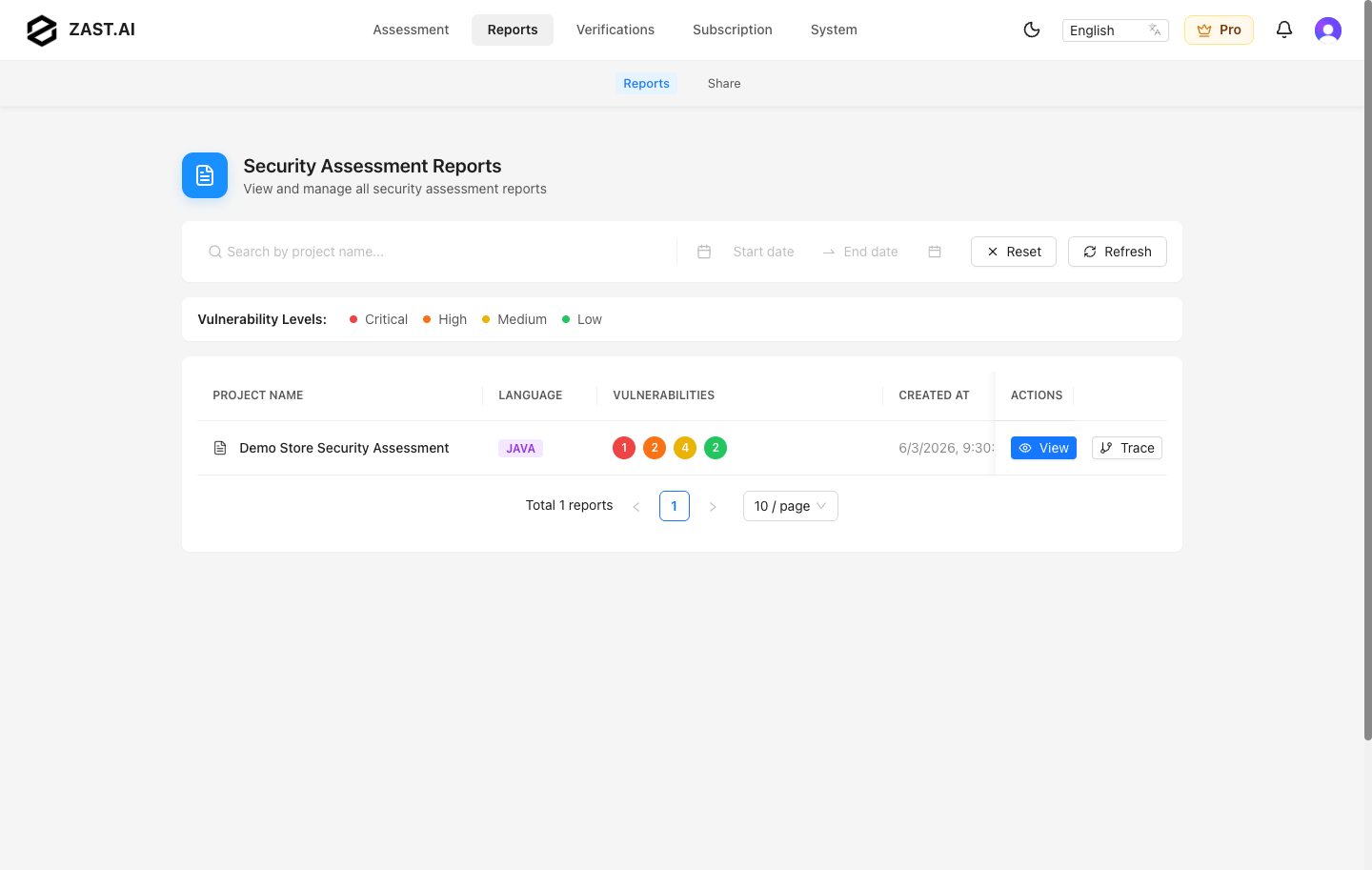
Open Reports, select a completed report, and use the export menu to download HTML or PDF output when export is available.
How Are Subscriptions And Credits Managed?
Use the SaaS billing and pricing entry points available in your account. Subscription status, credit limits, and purchase options depend on your plan. Stripe handles payment details; ZAST.AI does not store credit card information.
How Is Submitted Data Protected?
Assessment artifacts, source archives, test sessions, and generated reports are processed in controlled infrastructure for the assessment workflow. Avoid submitting unrelated secrets, production credentials, customer data, or private tokens. Delete reports or tasks when they are no longer needed.
Does ZAST.AI Support Custom Rules?
Custom user-defined rules are not exposed in the current SaaS user flow. Fast Verification supports importing candidate findings from SARIF files generated by tools such as CodeQL, Semgrep, SonarQube, Snyk Code, and GitHub Advanced Security.
Which Programming Languages Are Supported?
Assessments currently support Auto Detect, Java, Python, JavaScript/TypeScript, Go, PHP, C#, Ruby, and Rust. New assessments default to Auto Detect, and the server identifies the source language. Java assessments can use JAR/WAR packages or source archives; Auto Detect, C#, Ruby, and Rust accept a single .zip/.tgz/.tar.gz archive or a Git repository; other supported languages use a source archive or Git repository. Verification project language options stay unchanged and keep Auto Detect as the default.
IDE extensions and other product surfaces follow their own language coverage and are not assumed to match the SaaS or standalone app.
What Is Fast Verification?
Fast Verification verifies existing vulnerability candidates instead of running the full assessment creation flow. It supports SARIF upload, code scan discovery, filtering, Verify all, Verify selected, auto deploy in SaaS, manual target URLs, headers, verification history, and evidence review.
See Fast Verification.